
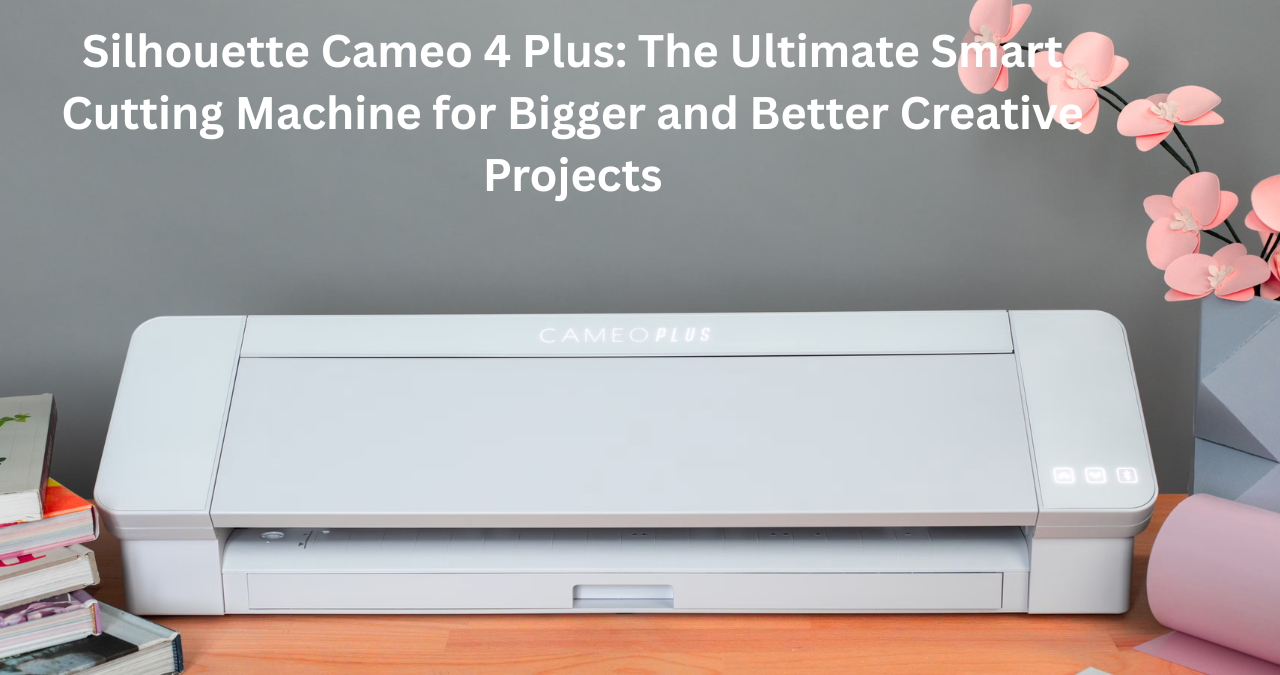
If you love crafting, custom designs, or small business creation, the silhouette cameo 4 plus is a machine worth knowing about. It’s one of the most talked-about cutting machines for people who want larger designs, faster cutting speeds, and professional-level precision without needing expensive industrial equipment.
Whether you’re making vinyl decals, personalized gifts, custom shirts, paper crafts, or even launching a side business, this machine offers the kind of flexibility that can turn creative ideas into real products.
Many crafters start small and quickly realize they need more cutting space, more power, and better control. That’s exactly where the silhouette cameo 4 plus shines. It bridges the gap between beginner-friendly design tools and serious crafting performance.
In this complete guide, we’ll break down everything you need to know—from features and setup to pros, cons, project ideas, and whether it’s truly worth your money.
What Is the Silhouette Cameo 4 Plus?
The silhouette cameo 4 plus is a 15-inch desktop cutting machine made by Silhouette America. It’s part of the popular Cameo series, which has built a strong reputation among crafters, designers, and home business owners.
Think of it like a smart digital cutting assistant.
You create a design on your computer using design software, send it to the machine, and it cuts your chosen material with amazing precision.
The “Plus” version gives users more width than the standard Cameo 4, making it ideal for bigger projects like:
- Large wall decals
- Oversized T-shirt designs
- Poster graphics
- Banner lettering
- Extended vinyl signage
- Large scrapbook layouts
It’s the middle option in the Cameo family—bigger than the standard model but smaller than the Pro version.
Why the Silhouette Cameo 4 Plus Stands Out
There are plenty of cutting machines out there, so what makes this one special?
It’s all about balance.
Some machines are easy to use but limited in size. Others are powerful but complicated.
The silhouette cameo 4 plus sits in that sweet spot where power meets usability.
Here’s why many creators choose it:
Larger Cutting Width
The 15-inch width opens up more possibilities.
This means fewer design limitations and less splitting large graphics into smaller pieces.
That’s a game changer for:
- Small business sticker makers
- Sign creators
- Apparel decorators
- Event planners
Faster Cutting Speed
Compared to older Cameo models, this machine works significantly faster.
If you’re running a small shop or handling bulk orders, speed matters.
Time saved adds up quickly.
More Material Compatibility
It can cut over 100 different materials, including:
- Vinyl
- Cardstock
- Heat transfer vinyl
- Fabric
- Faux leather
- Sticker paper
- Craft foam
- Magnetic sheets
That’s enough variety to keep your creative engine running for years.
Stronger Cutting Force
With up to 5kg of force, it handles thicker materials more effectively than many competing desktop cutters.
In plain English?
It cuts tougher stuff without breaking a sweat.
Key Features of the Silhouette Cameo 4 Plus
Let’s take a closer look at the features that make this machine so capable.
Powerful Dual Motor System
One standout feature is the dual motor carriage.
This allows the machine to perform two actions at once.
For example:
- Cut and sketch simultaneously
- Score and cut in one pass
- Use multiple tools without switching manually
This saves time and improves workflow.
Auto Blade Technology
The machine includes an AutoBlade.
This tool automatically adjusts blade depth based on your design settings.
That means:
- Less guesswork
- Fewer ruined materials
- Faster setup
For beginners, this feature is a lifesaver.
Roll Feeder Support
If you work with long vinyl rolls, this is a huge benefit.
The built-in roll feeder lets you cut long designs without needing separate accessories.
Perfect for:
- Storefront decals
- Long banners
- Repeating label production
Built-In Crosscutter
After cutting vinyl, you can trim it neatly using the built-in crosscutter.
It’s a small feature, but it makes a big difference in convenience.
No scissors needed.
Wireless Bluetooth Connectivity
No messy cables.
The silhouette cameo 4 plus connects via Bluetooth, allowing a cleaner workspace and easier operation.
Technical Specifications at a Glance
Here’s a quick overview.
| Feature | Specification |
|---|---|
| Cutting Width | 15 inches |
| Cutting Length | Up to 60 feet with roll feeder |
| Clearance | 3mm |
| Cutting Force | 5kg |
| Connectivity | USB and Bluetooth |
| Tool Carriages | Dual |
| Compatible Materials | 100+ |
| Software | Silhouette Studio |
This setup gives users professional flexibility without requiring a commercial workshop.
Silhouette Studio Software Explained
A cutting machine is only as good as its software.
Thankfully, Silhouette Studio is one of the strongest points of the Cameo ecosystem.
It’s where you:
- Design projects
- Import files
- Resize graphics
- Add text
- Send cuts to the machine
The basic version is free, which is great for new users.
For advanced needs, paid upgrades unlock extra tools like:
SVG File Support
Essential if you buy premium designs online.
Advanced Design Editing
Perfect for custom logos and layered projects.
Rhinestone and Pattern Tools
Useful for fashion decorators and detailed creators.
Setting Up the Machine
Getting started is easier than many people expect.
The setup process usually takes under an hour.
Step 1: Unbox Everything
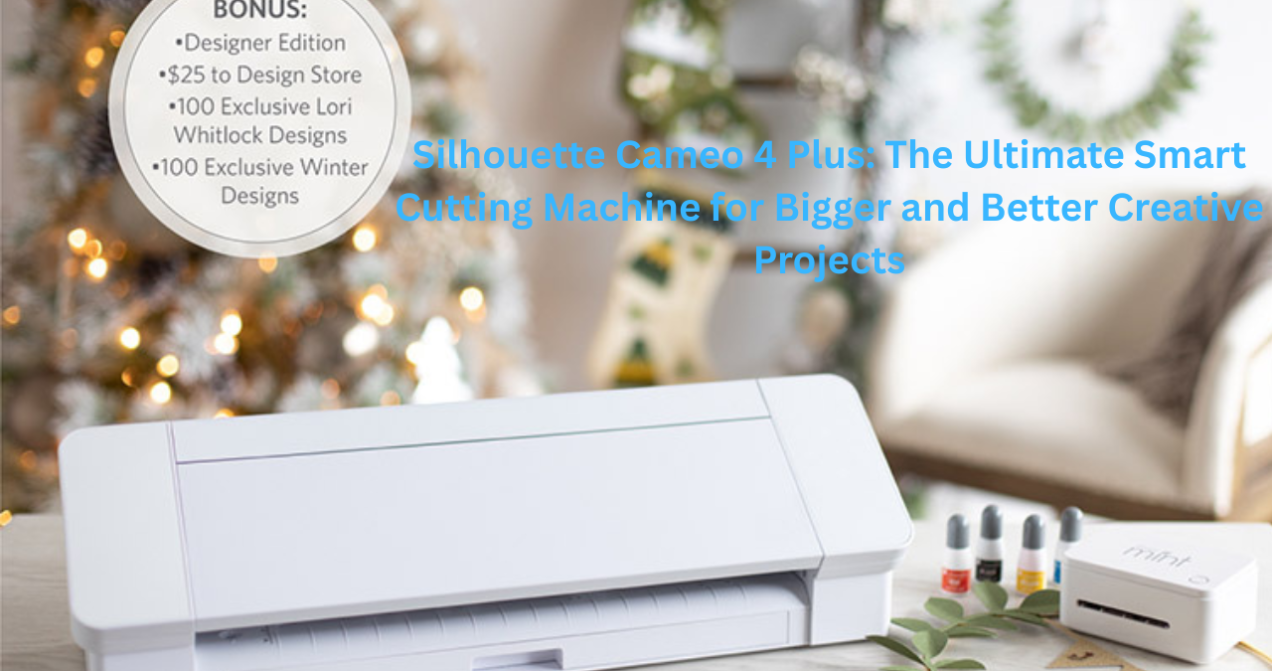
Inside the box, you’ll typically find:
- Cutting machine
- Power cable
- Cutting mat
- AutoBlade
- Sample materials
Step 2: Install Software
Download the software from the official website.
Install it on your computer.
Step 3: Connect the Machine
Use either:
- Bluetooth
- USB cable
Step 4: Run a Test Cut
Always do this first.
It helps confirm your blade settings are correct.
Skipping this step is like baking a cake without preheating the oven—it usually ends badly.
Best Projects You Can Make
The beauty of this machine is versatility.
Here are some practical project ideas.
Custom Apparel
Create:
- T-shirts
- Hoodies
- Tote bags
- Baby clothes
Heat transfer vinyl works beautifully.
Home Decor
Design:
- Wall quotes
- Decorative signs
- Window decals
These projects sell well online.
Stickers and Labels
Perfect for:
- Planner stickers
- Product labels
- Packaging branding
Small business owners love this use case.
Greeting Cards
Intricate paper cuts make handmade cards look premium.
Party Decorations
Make:
- Cake toppers
- Banners
- Invitation details
A real money-saver for events.
Silhouette Cameo 4 Plus vs Other Cutting Machines
Let’s compare it with major alternatives.
| Machine | Width | Force | Best For |
|---|---|---|---|
| Cameo 4 Plus | 15 inch | 5kg | Large creative projects |
| Cricut Maker 3 | 13 inch | Lower | Smart material users |
| Silhouette Cameo 4 | 12 inch | 5kg | Standard crafting |
| Silhouette Cameo Pro | 24 inch | 5kg | Extra-large production |
The silhouette cameo 4 plus often wins for users who want more space without needing a giant machine.
Who Should Buy It?
This machine isn’t for everyone.
Let’s be honest.
If you only make tiny stickers once a year, it might be overkill.
It’s best for:
Growing Craft Businesses
If you sell on platforms like Etsy, extra width helps a lot.
Serious Hobbyists
People who craft weekly will appreciate the advanced features.
Event Designers
Large custom decorations become easier.
Apparel Creators
Bigger shirt designs fit better.
Pros and Cons
No machine is perfect.
Here’s the real picture.
Pros
- Wide cutting area
- Fast performance
- Strong cutting force
- Excellent software
- Bluetooth connectivity
- Versatile material support
- Built-in roll feeder
Cons
- Learning curve for beginners
- Software may feel complex at first
- Takes up more desk space
- Premium accessories cost extra
Still, most users find the benefits outweigh the drawbacks.
Common Challenges and Solutions
New users often hit a few bumps.
That’s normal.
Material Not Cutting Properly
Usually caused by:
- Wrong blade depth
- Dull blade
- Incorrect material settings
Fix:
Run a test cut.
Mat Losing Stickiness
This happens over time.
Solution:
Clean with mild soap or replace it.
Bluetooth Connection Issues
Restart:
- Machine
- Computer
- Software
That usually solves it.
Classic tech trick.
Turn it off and on again.
Works more often than we’d like to admit.
Tips for Getting the Best Results
Want cleaner cuts and smoother projects?
Follow these tips.
Use Quality Materials
Cheap vinyl often causes peeling and tearing.
Keep Blades Clean
Small debris affects precision.
Organize Your Design Files
Create folders for:
- Vinyl projects
- Sticker templates
- Seasonal designs
Future-you will be grateful.
Practice with Scrap Material
Don’t waste premium sheets while learning.
Is It Good for Small Business Owners?
Absolutely.
This machine can become a serious income tool.
Popular products made with it include:
- Personalized tumblers
- Wedding signage
- Custom decals
- Branded packaging
- Shirt designs
Many small sellers start with a machine like this and scale from there.
It’s not a magic money machine, though.
Success still depends on:
- Good design
- Marketing
- Customer service
- Consistency
The machine is the tool.
You’re the creative engine behind it.
Maintenance and Longevity
With proper care, this machine can last for years.
Basic maintenance includes:
Cleaning Regularly
Dust buildup affects moving parts.
Updating Software
Updates improve performance and fix bugs.
Replacing Blades When Needed
A dull blade causes rough cuts.
Replace it early.
Waiting too long usually wastes materials.
Is the Price Worth It?
This is the big question.
The silhouette cameo 4 plus sits in the mid-to-premium range.
For casual crafters, it may feel expensive.
For regular creators?
It’s often worth every penny.
Why?
Because it saves:
- Time
- Material waste
- Frustration
And it expands what you can create.
That’s real value.
Final Verdict on the Silhouette Cameo 4 Plus
The crafting world is full of shiny tools promising amazing results.
Some deliver.
Some don’t.
The silhouette cameo 4 plus genuinely earns its strong reputation because it offers a powerful mix of size, speed, precision, and flexibility.
It’s ideal for creators who want room to grow without jumping straight into oversized professional equipment.
Yes, there’s a learning curve.
Yes, it requires some patience at first.
But once you get the hang of it, this machine can become the backbone of your creative projects or even your small business.
If you’re serious about crafting, personalization, or product creation, the silhouette cameo 4 plus is a smart investment that can help turn ideas into polished, professional results with confidence.
You may also read
Tesla Stock Price Prediction 2030: Could Tesla Become the World’s Most Valuable Company?
